Screen job emails faster
Turn emails into a beautiful hiring dashboard, screen using AI, manage interviews and more. All for free.
Works withClaude,ChatGPTand more
- Application – iOS EngineerResume attached · 2 min
- Re: iOS Engineer roleResume attached · 9 min
- iOS Engineer – Priya NairResume + portfolio · 14 min
- Applying for the iOS positionResume attached · 31 min
- Fwd: Job applicationResume attached · 1 h
- +335 more
"Create a hiring dashboard on Binary for everyone who emailed us for the iOS role and screen candidates who have 3+ years of iOS experience."
340 imported, 340 screened
- Ananya RaoiOS3+ yrs exp
- Marcus LeeiOS3+ yrs exp
- Priya NairiOS3+ yrs exp
- Tom BeckeriOS3+ yrs exp
- Lina HaddadiOS3+ yrs exp
- +335 more, screened
How it works?
- 1
Turn emails into a dashboard
Sign up on Binary, then ask Claude to connect with Binary and create a dashboard from the applications in your inbox.
"Create a hiring dashboard on Binary for everyone who emailed us for the iOS role."
Claude- Created iOS Engineer on Binary
- Added 340 applicants from careers@ with resumes
Want me to screen them next?
- 2
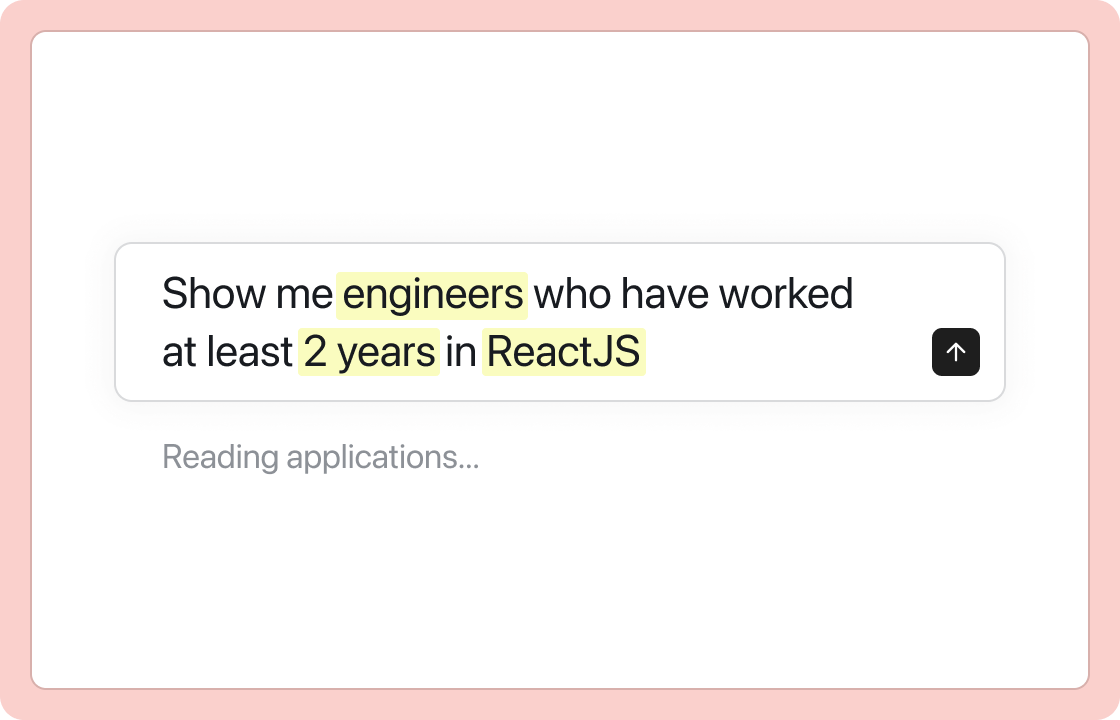
Screen candidates faster
Let AI check every resume against your criteria, or review them yourself in focus mode with keyboard shortcuts.
"Screen the iOS pipeline for 3+ years of iOS experience and a shipped App Store app. Show me who passes."
- 3
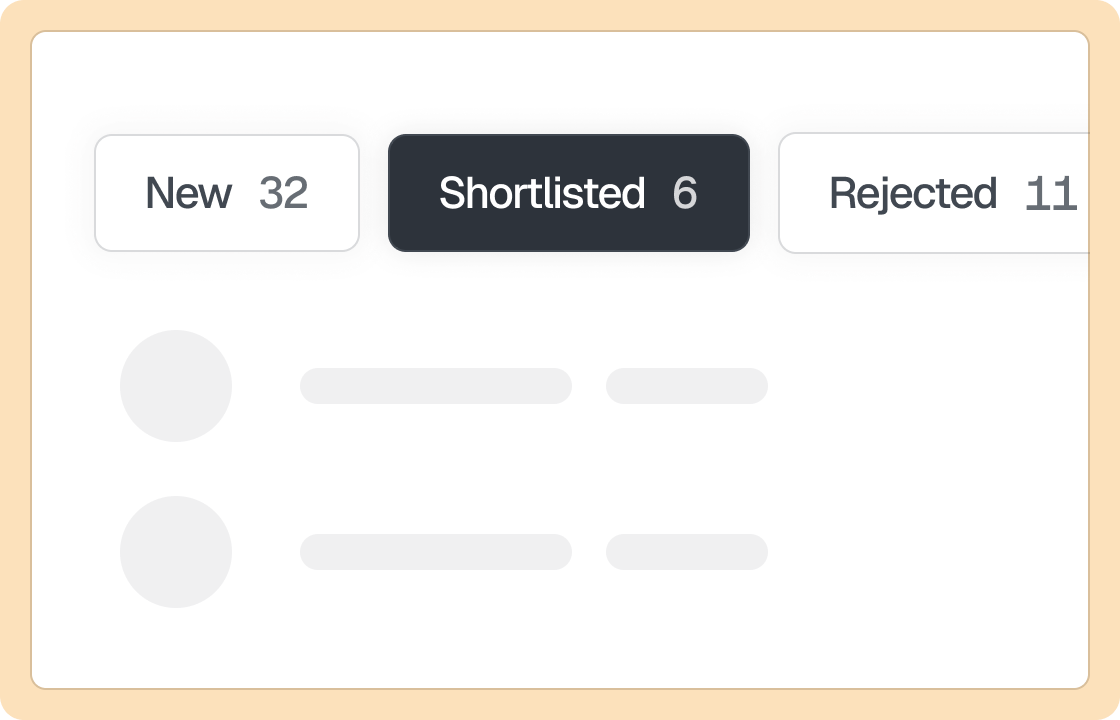
Track your hiring pipeline
See where every candidate is, move them between stages, and keep resumes and notes in one place for your whole team.
- 4
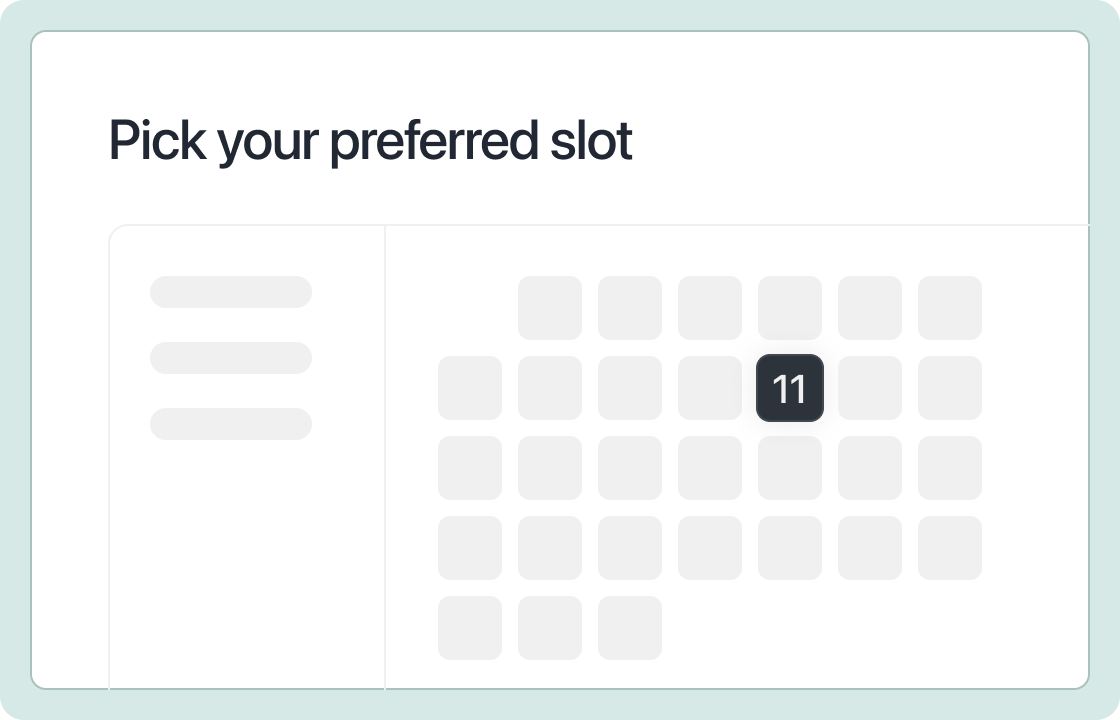
Manage interviews, feedback and more
Schedule interviews on your team’s calendars, send booking links, and collect feedback after each round.
All the hiring tools you need
- Unlimited jobs
- Unlimited candidates
- Unlimited team members
- Slack agent
- Video questions
- Careers page
- Resume autofill
- Assignments
- Chrome extension
- Roles and permissions
- Candidate messaging
- Duplicate detection
Most of it is on the free plan. See all plans and features
Frequently asked questions
Why should I use this hiring dashboard?
The hiring dashboard is built to speed up your hiring. It comes with keyboard shortcuts, pipeline view, interview scheduling, team collaboration and more.
Can Claude or ChatGPT read my careers inbox?
Yes, through their own mail connectors: Claude connects to Gmail and Outlook, ChatGPT to Gmail, and both ask for your permission before reading anything. Binary never reads your inbox itself. The assistant reads the emails and writes the applicants into Binary over the MCP server, where the screening happens.
Do I need a paid plan for this?
No. The MCP server is included on every Binary plan, including Free, with no cap on requests. AI screening draws on monthly credits: the free plan’s $1 screens about 200 candidates a month, and paid plans include more.
What does the AI screening actually check?
Whatever criteria you give it, in plain English: years of experience, a skill, a location, a type of company, a portfolio. AI screening reads the full resume, not just keywords, scores each criterion separately and explains the score, so you can see why someone ranked where they did and change the criteria at any time.
What about applications that arrive after the first import?
Ask the assistant to add new applications from the inbox whenever you like, or stop them reaching the inbox at all: every Binary job has a hiring form and a careers page, so you can reply to applicants with the form link and post it in place of your email address. Form submissions are screened as they arrive.
Is this safe for candidate data?
The MCP connection uses OAuth: you sign in on a Binary consent page, choose the workspace, and can revoke access from Settings → Integrations at any time. Every action runs as you, with your permissions. Binary does not train models on your data; what your AI provider retains depends on your Claude or ChatGPT plan.
Can I do this without an AI assistant?
Yes. Export the applicants to a CSV and import them from the Binary dashboard, or use the built-in AI agent at binary.so/ai, which runs the same screening. The assistant route is simply the fastest way to get a few hundred emails into a pipeline without touching each one.
Empty the email inbox, for free.
Trusted by 600+ startups